
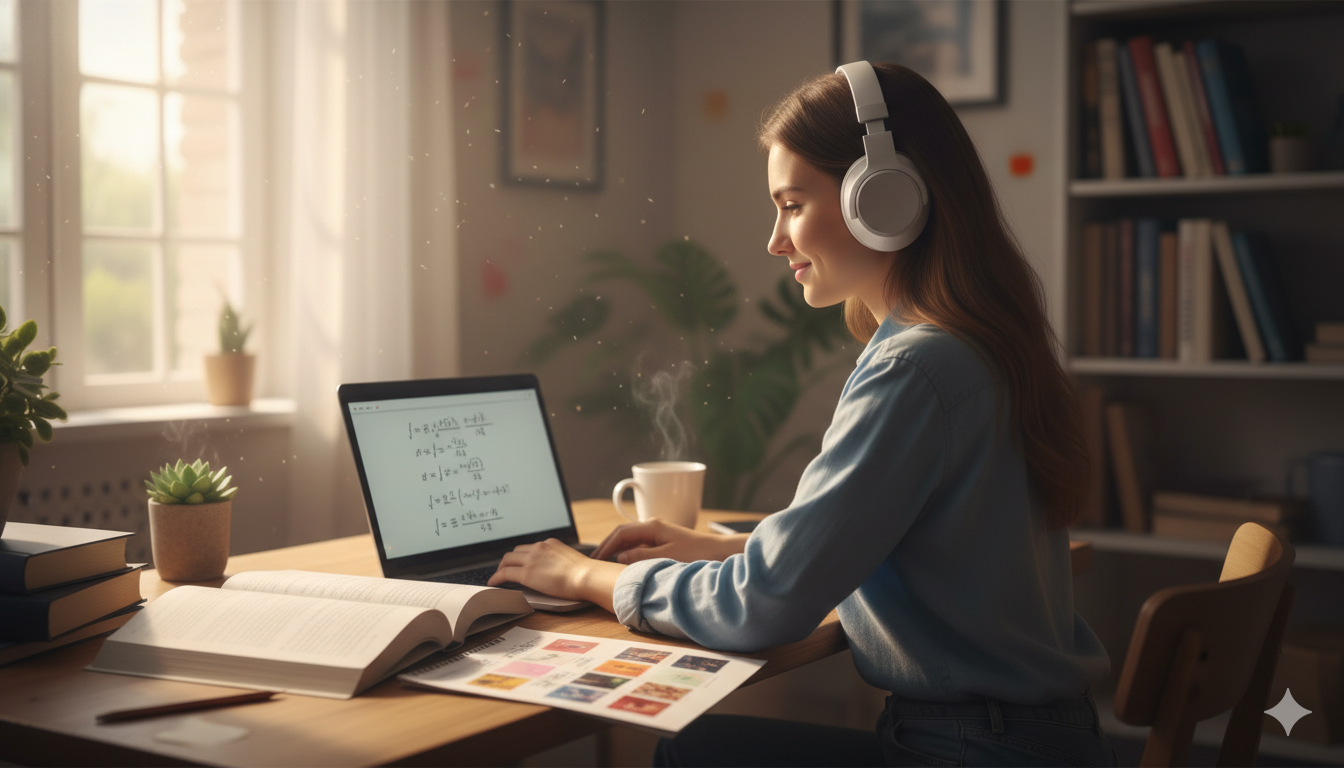
We all know how much music helps us get through a long day. Whether you are studying for a tough math test or working on a big project, a good playlist makes everything better. But nothing ruins your mood faster than opening your laptop only to see an error screen. Many schools and offices block music apps to keep people focused or to save internet bandwidth.
If you are staring at a restricted screen, do not worry. You can get Spotify Unblocked safely and quickly without breaking any complicated tech rules. This guide will show you exactly how to bypass network filters so you can enjoy your favorite songs again. We will cover simple methods like web browsers, private networks, and smart offline settings that work perfectly this year.
Why Do Schools and Offices Block Your Music?
Most school and work networks use automated firewalls to control what websites you can visit. They do this for two main reasons. First, they want to prevent students and employees from getting distracted during important hours. Second, streaming audio and video uses a massive amount of internet data. If hundreds of people stream music at the same time, it can slow down the entire network for everyone else.
To stop this, network administrators block specific web addresses like spotify.com. They might also block the network ports that the desktop application uses to connect to the internet. Understanding how these blocks work is the first step to finding a clean solution to get spotify unblocked.
The Easiest Trick: Switch to the Spotify Web Player
Sometimes, network filters are not as strict as they seem. Many IT departments block the downloadable desktop application but forget about the web browser version. Before you try any advanced technical steps, you should test the official browser player to see if it works.
To try this, open a fresh web browser window on your computer. Navigate directly to open.spotify.com and hit enter. If the page loads normally, simply log in with your standard username and password. This is the fastest way to enjoy spotify unblocked because it requires absolutely no software downloads or adjustments to your system settings.
Use a Virtual Private Network (VPN) for Full Access
If the web browser route is completely shut down, a Virtual Private Network (VPN) is your best alternative. A VPN acts like a secure, hidden tunnel for your internet traffic. When you use one, it hides your online activity from the local school or office firewall.
Because the local network cannot see that you are trying to reach a music streaming service, it lets the data pass through without any issues. This allows you to get spotify unblocked instantly on almost any device. For the best experience, you should look into reliable, privacy-focused services like ProtonVPN, NordVPN, or Windscribe.
How to Set Up a VPN to Stream Music Safely
Setting up a private tunnel to listen to your music is very straightforward. You do not need to be a computer wizard to make it work on your laptop or phone.
1.Choose a Trusted Provider:Requires email sign-up.
Select a reputable service that offers a free tier or a reliable trial period. Avoid completely unknown tools that look suspicious.
2.Download the Application:Install on your device.
Download the official app from the provider’s website onto your laptop, tablet, or smartphone.
3.Connect to a Nearby Server:Optimizes streaming speed.
Open the application and click the main connect button. Choose a server location close to your actual city to keep your speeds fast.
4.Launch Your Music Player:Stream without blocks.
Once the connection is active, open your music player or website. Your connection will bypass local restrictions smoothly.
Change Your System DNS Settings to Avoid Filters
Another smart way to bypass basic web filters is by changing your Domain Name System (DNS) settings. Think of a DNS as the phonebook of the internet. It translates website names into numbers that computers understand. Often, school firewalls block music by messing with their internal DNS tools.
You can fix this by manually telling your computer to use a public, unrestricted phonebook instead. Switching your system to use Google Public DNS (8.8.8.8) or Cloudflare DNS (1.1.1.1) can quickly unblock web services. This method is completely free and does not require downloading any third-party applications.

Use a Web Proxy as a Quick Middleman
A web proxy is another handy tool when you need a quick fix on a shared computer. A proxy acts like a middleman between your browser and the website you want to visit. Instead of connecting directly to the music platform, you ask the proxy website to fetch the music player for you.
To use this method, you just need to visit a trusted proxy site like Hide.me or CroxyProxy. Once you are on their page, type the music player address into their search bar and click go. The proxy will display the page inside your current window, keeping your spotify unblocked session hidden from the local network filters.
Turn On Your Mobile Hotspot to Use Private Data
If you do not want to mess with computer settings or risk breaking network policies, stop using the local network entirely. If you have a smartphone with a decent cellular data plan, you can create your own personal internet connection right at your desk.
Go into your smartphone settings and turn on the Personal Hotspot feature. This will broadcast a secure Wi-Fi signal from your phone. Next, open the network settings on your school laptop or tablet and connect to your phone’s hotspot. Since you are using your own cellular data, you will enjoy spotify unblocked with zero network interference.
Use Premium Offline Mode to Listen Without Internet
For students who have a paid premium subscription, the absolute safest method is to use the official offline mode. This strategy generates zero network traffic at school, which means the IT department will never know you are listening to music.
Before you leave your house, open the app while connected to your home Wi-Fi. Find your favorite playlists and hit the download arrow icon next to them. Once you arrive at school, go into the app settings, find the playback menu, and toggle “Offline Mode” to on. Now, you can play all your downloaded tracks without needing an active internet connection.
Comparing Your Options for Bypassing Blocks
Every situation is a little bit different depending on how strict your school or workplace filters are. Some places only block app installs, while others track all internet data closely.
The table below breaks down the most reliable ways to get spotify unblocked so you can pick the one that matches your current tech skills and security needs.
| Unblocking Method | Setup Difficulty | Success Rate | Best Used For |
| Web Player | Very Easy | Medium | Basic network blocks with no browser restrictions |
| Mobile Hotspot | Easy | Extremely High | Users with large data plans on personal laptops |
| Public DNS | Medium | Medium | Bypassing simple domain filters without downloads |
| Secure VPN | Medium | High | Strict networks where privacy is important |
| Offline Mode | Easy | Perfect (100%) | Premium users who want zero network tracking |
Stay Safe and Respect Your Local Network Rules
While finding a workaround to enjoy spotify unblocked is exciting, you should always be smart about how you use these methods. Network security rules are often there to keep devices safe from malware and cyber threats. Never download random, sketchy software from untrusted websites just to listen to a song.
Important Reminder: Always make sure your volume is turned down or your headphones are securely plugged in before you press play. You do not want a loud song to accidentally give away your secret music session during a quiet study hour!

Conclusion: Get Your Playlists Back Today
Losing access to your favorite music tracks can make a school day feel twice as long. Thankfully, getting spotify unblocked is a problem you can easily solve using the right approach. Whether you choose to open the handy web player, launch a secure VPN tunnel, or tap into your mobile data hotspot, you have plenty of great options to try out.
Pick the method that feels safest and easiest for your device, put your headphones on, and get back into your productive zone. Happy listening!
Frequently Asked Questions
Is it safe to use a free web proxy to unblock my music?
Using a free web proxy can be a quick fix, but you must be careful. Free proxies often display annoying pop-up ads and can sometimes leak your data. For a safer experience, stick to well-known options like Hide.me, or use a trusted VPN instead.
Will my school know if I get Spotify unblocked?
If you use a premium VPN or your phone’s mobile data hotspot, the network administrators cannot see what apps you are using. However, if you use a basic proxy or try to install unauthorized apps on a school-owned computer, the IT department might see it on their dashboard.
Can I listen to my songs on a school Chromebook?
Yes, you can. The best method for a Chromebook is using the official web player at open.spotify.com. If that link is blocked, you can try combining it with a secure browser extension VPN or by connecting the Chromebook to your mobile phone’s hotspot.
Why does the web player show a blank screen when I open it?
A blank screen usually means the network firewall is actively blocking the specific scripts the web player needs to run. To fix this, try opening the site in an Incognito window, clear your browser cache, or turn on a VPN before loading the page.